
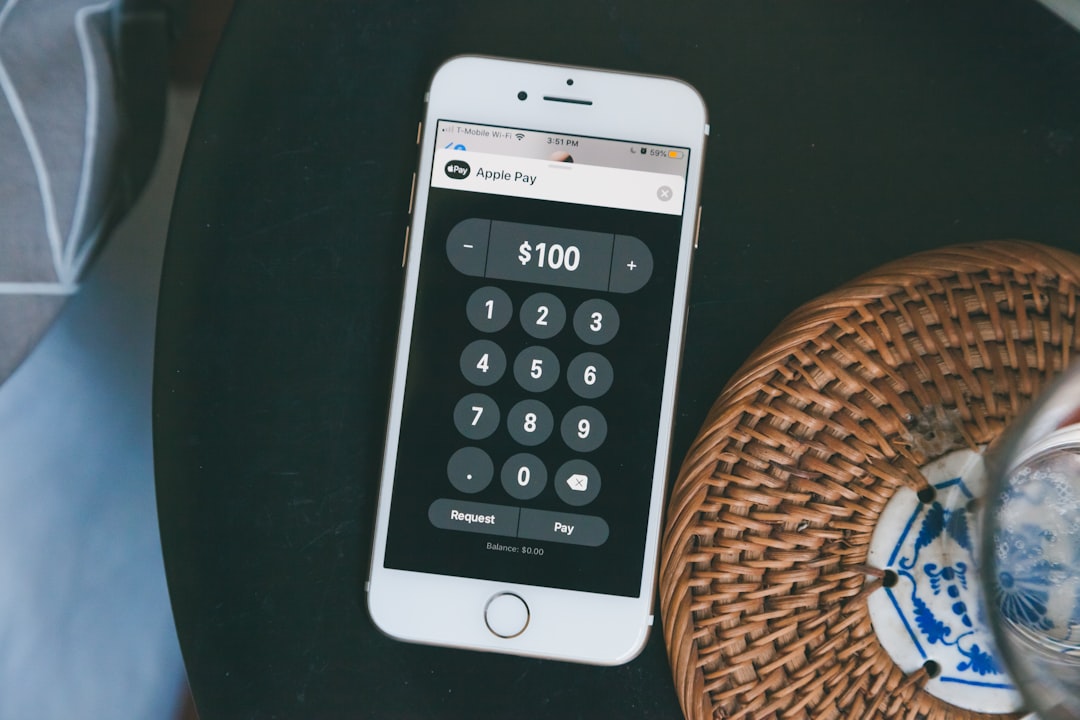
Alright, let’s talk about allowance tracker apps. The short answer to whether they’re worth your time? For many families, absolutely. They’re not just digital piggy banks; they’re valuable tools for teaching kids about money in a practical, real-world way that’s often far more effective than abstract concepts. Think of them as a modern upgrade to the chore chart and ledger system, bringing a bit more structure and transparency to the whole allowance process.
Why Even Bother with an Allowance Tracker?
If you’ve ever tried to keep track of chores, allowances, and spending with a piece of paper or just in your head, you know it can get messy. Allowance tracker apps swoop in to simplify this, offering a centralized place for everything. But it’s more than just convenience; it’s about building foundational financial skills.
Making Money Real, Not Abstract
Kids often struggle with the idea of money because it’s largely an abstract concept to them, especially younger ones. They see you tap a card or pull something out of a machine, but the actual mechanics of earning, saving, and spending aren’t always clear. An app provides a visual representation of their money, showing it grow with chores completed or shrink with purchases. This visibility makes the concept of money much more concrete.
Encouraging Financial Responsibility Early On
The earlier kids learn financial responsibility, the better equipped they’ll be as adults. An allowance tracker isn’t just about managing pocket money; it’s a miniature financial system designed for kids. They learn about delayed gratification, the impact of their spending choices, and the satisfaction of saving up for something they genuinely want. This hands-on experience, even with small sums, builds a crucial understanding of financial principles.
Using an allowance tracker app can significantly enhance financial literacy among children, teaching them the importance of budgeting and saving from a young age. For more insights on how these apps can foster financial responsibility in kids, you can read a related article that discusses the benefits of tracking allowances and instilling good money habits early on. Check it out here: Teaching Financial Responsibility: Allowance Tracking for Kids.
Key Features to Look For in an Allowance Tracker
Not all apps are created equal. When you’re sifting through options, here are some practical features that can make a real difference in how effective the app is for your family.
Chore Management Integration
This is often where the real magic happens. Linking allowance directly to chores teaches a valuable lesson about earning. Look for apps that allow you to:
- Assign Specific Tasks: Be able to list distinct chores (e.g., “Mow lawn,” “Clean room,” “Feed pets”).
- Set Payout Values: Assign a dollar amount or points to each chore. This allows for flexibility and can reflect the effort or difficulty of the task.
- Track Completion (and Approval): Kids can mark chores as complete, and parents can approve them. This creates accountability for both sides. Some apps even allow for photo evidence of completion, which can be useful for certain tasks.
- Schedule Recurring Chores: For daily or weekly tasks, having an automated schedule means less manual input for you.
Clear Spending and Savings Tracking
The core of any money management tool, even for kids, is tracking where money goes and where it’s being held.
- Dedicated “Accounts”: Many apps offer separate virtual pockets or “jars” for spending, saving, and even donating. This is incredibly helpful for teaching different financial goals. Kids can see their savings grow towards a specific item, encouraging planning and patience.
- Transaction History: A chronological list of all money earned, spent, and transferred. This transparency is key for understanding where their money has gone and for reviewing their financial activity with them.
- Goal Setting: Allows kids to set specific savings goals (e.g., “New video game,” “Concert tickets”) and track their progress towards them. This tangibly demonstrates the power of saving.
Parental Controls and Oversight
You’re still the bank, even if it’s a virtual one. Good parental controls ensure you maintain an appropriate level of oversight.
- Parent Approval for Payouts: Some apps require parent approval before chore earnings are credited to the child’s balance, giving you a chance to verify work.
- Spending Limits/Categories: Ability to set rules around how money can be spent, or what categories it can be spent on. This can be important as kids get older and might have their own debit cards linked to the app.
- Access Levels: Different users (parents, kids) have different levels of access and functionality. Parents should have full control and oversight.
Transfer and Payout Options
How does the digital money become real money? The app should facilitate this smoothly.
- Manual Cash Out: The simplest method, where you physically hand over the cash corresponding to their digital balance.
- Linked Debit/Prepaid Cards: Some advanced apps partner with financial institutions to offer reloadable debit cards for kids. This bridges the gap between virtual money and real-world transactions, providing invaluable experience with card use. This introduces concepts like PINs, online purchases, and ATM withdrawals in a controlled environment.
- “Parent Debt” Tracking: The app correctly displays how much the child has earned that still needs to be paid out by the parent, and vice-versa if the child “borrows” money.
Beyond the Basics: Educational Benefits
An allowance tracker isn’t just about keeping tabs; it’s a subtle but powerful educational tool. It brings money management concepts down to a kid’s level, fostering skills that will serve them for life.
Understanding Earning and Work Ethic
When allowance is tied to chores, kids quickly grasp the connection between effort and reward. An app makes this explicit: chore completed = money earned. This cultivates a work ethic and an understanding that resources aren’t unlimited and often need to be earned. It’s a natural progression from “I want that” to “What do I need to do to earn enough for that?”
Learning the Value of Saving and Investing (Even Small Amounts)
The “jars” or “goals” features in these apps are fantastic for teaching delayed gratification. Instead of instant spending, kids see their savings grow toward a desired item. Some apps even offer simplified “investing” features, where you might “match” their savings or provide a small “interest” payment, introducing the concept of money working for them. This hands-on experience is far more impactful than just being told to save.
Making Smart Spending Choices
With a clear overview of their funds, kids are forced to make choices. Do they spend all their money on one small thing now, or save for something bigger later? The app provides the immediate feedback; they see their balance decrease when they log a purchase. This direct consequence, even if it’s just a digital number, helps them internalize the impact of their spending decisions. Discussions around wants versus needs become much more tangible.
Understanding Budgeting and Financial Planning
While it doesn’t involve complex spreadsheets, the act of allocating money into different “jars” for spending, saving, and giving is essentially rudimentary budgeting. They’re deciding how much of their earned money will go towards immediate desires versus long-term goals. Over time, this repeated practice helps them develop an intuitive sense of financial planning.
Getting Started: Tips for Success
Implementing an allowance tracker successfully involves more than just downloading an app. Here are a few practical pointers to ensure it actually sticks and delivers value.
Involve Your Kids from the Start
This isn’t just “your” system; it’s “our” system. Sit down with your children when you’re setting up the app. Let them help choose their savings goals, understand how chores are assigned, and how they earn money. When they have a stake in the system, they’re more likely to engage with it.
Be Consistent and Clear with Expectations
Consistency is key. If allowance is tied to chores, ensure you’re regularly assigning, reviewing, and approving them. Be clear about what constitutes a “completed” chore. If payouts are weekly, stick to it. Erratic enforcement will undermine the system and lead to frustration for everyone.
Regular “Money Talk” Sessions
The app is a tool, but it doesn’t replace conversation. Use the app’s data as a springboard for discussions:
- “Looks like you spent a lot on candy this week. How do you feel about your balance for your bigger goal?”
- “Your savings jar for the new toy is really growing! How much more do you think you need to save?”
- “You did a great job with your chores this week, your balance is up. What are you planning to do with your earnings?”
These conversations reinforce the lessons the app is trying to teach and make the financial concepts more personal and understandable.
Start Simple and Scale Up
Don’t overcomplicate it from day one. Begin with basic chores and a simple allowance structure. As your children get older and more comfortable, you can introduce more complex elements:
- More varied chores with different pay rates.
- Introducing a “give” jar for charity or gifts.
- Discussing basic “interest” for their savings.
- Eventually, if the app supports it, getting a linked debit card for real-world spending experience.
Choose an App That Grows with Your Family
Look for an app that’s flexible. What works for a 6-year-old might be too simplistic for a 12-year-old. Can you adjust chore complexity, payment structures, and spending rules as your children mature? An app that can evolve with your family means you won’t have to switch systems every few years, maintaining consistency in their financial education.
Using an allowance tracker app can significantly enhance your financial management skills, allowing you to monitor your spending habits and save more effectively. For those interested in exploring the various advantages of such tools, a related article can provide valuable insights into how these apps can transform your budgeting approach. You can read more about it in this informative piece on budgeting strategies, which complements the benefits of using an allowance tracker.
Potential Drawbacks to Consider
While there are many benefits, it’s also worth being aware of some potential downsides or things to watch out for.
Over-Reliance on Screens
While it’s a digital tool, you don’t want kids to be glued to their allowance app all day. Encourage balance. The app is for tracking, not constant interaction. Set expectations about when and how often they should check it.
Technical Glitches or App Limitations
As with any software, there can be bugs, or the app might not have every single feature you desire. Be prepared for occasional quirks and decide if the overall benefits outweigh minor frustrations. Free apps might have more limitations or ads, which can be distracting.
Disconnecting from Physical Money
Especially for younger kids, the concept of digital money can be confusing when they still primarily deal with physical cash for small purchases. You might need to bridge this gap by regularly “cashing out” their digital earnings into physical money so they can make direct purchases and feel the tangibility of their earnings. As they get older, linking to a debit card can then introduce the more abstract nature of modern transactions.
Ultimately, an allowance tracker app is a powerful modern tool for imparting vital financial literacy to children. It brings structure, transparency, and engaging visuals to what can otherwise be a fuzzy, abstract topic. By making earning, saving, and spending visible and actionable, these apps empower kids to become more responsible and informed money managers from a young age. Just remember, the app is a guide; your active involvement and conversations are what truly bring the lessons to life.
