

Let’s talk about getting a grip on your allowance. If you’re looking for an honest-to-goodness way to make your money stretch further, a good old budget tracker app is probably your best bet. It sounds simple, but keeping tabs on your spending and saving really makes a difference. It helps you see where your cash is going, spot waste, and ultimately, helps you reach your financial goals, big or small.
Think about it – your phone is always with you. That’s a massive advantage over a paper notebook or spreadsheet you forget to update. These apps are designed to make tracking easy, almost second nature. They’re built to cut down on the effort, leaving you more time to actually enjoy your money, rather than constantly worrying about it.
Benefits of Using an Allowance Tracker App
One of the biggest wins is instant feedback. You spend money, you log it, and boom – you immediately see the impact. No more waiting until the end of the month to figure out where all your money went. This real-time understanding is incredibly powerful for making better financial decisions on the fly.
Budgeting Made Easy
Let’s be frank, setting up a budget can feel like a chore. But these apps streamline the process. They often have pre-set categories or suggestions, making it less overwhelming. Once it’s set up, you’re not just guessing; you’re operating with a plan.
Spotting Leaks
Ever wonder why you’re always short on cash even after getting your allowance? An app tracker will show you. Those daily coffees, that subscription you forgot about, or those impulse buys – they add up. The app highlights these “leaks,” giving you the power to plug them.
Goal Setting and Tracking
Want to save up for a new game, a concert, or even just a nicer dinner with friends? An app tracker lets you set specific savings goals and then actually track your progress. Seeing that bar fill up is a huge motivator.
If you’re looking for additional tips on financial literacy for children, you might find the article on teaching kids to save money particularly helpful. It provides practical strategies that complement the use of an allowance tracker app, ensuring that children not only manage their allowances effectively but also learn the importance of saving. To read more, check out the article here: Top 10 Ways to Teach Kids to Save Money.
Choosing the Right App: What to Look For
Not all apps are created equal, and what works for your friend might not be the best fit for you. Take a moment to think about what features are most important for your allowance tracking.
User Interface and Simplicity
This is crucial. If an app is clunky or confusing, you won’t use it. Look for something intuitive, with a clean layout. You should be able to log expenses quickly without a lengthy process. The simpler, the better, especially when you’re just starting out.
Manual Entry vs. Bank Sync
Some apps allow you to manually enter every transaction, which gives you complete control and forces you to be mindful of each spend. Others can link directly to your bank account or debit card. Bank syncing is super convenient as it automates a lot of the tracking, but you need to be comfortable with sharing your financial data. Consider what level of detail and automation you prefer.
Categorization Options
Good categorization is key to understanding where your money goes. Look for apps that offer flexible categories, or allow you to create your own. The more specific you can get, the better your insights will be. Think “Snacks” vs. “Food,” for example.
Reporting and Visualization
Beyond just listing transactions, how does the app present your data? Graphs and charts can be incredibly helpful for visualizing your spending patterns. Can you easily see month-over-month comparisons or break down spending by category? This helps you identify trends and areas for improvement.
Security Features
If you’re using an app that links to your bank account, robust security is non-negotiable. Look for features like multi-factor authentication, encryption, and clear privacy policies. Even for manual entry apps, you want your data to be safe.
Cost
Many excellent allowance trackers are free, or offer free basic versions with premium paid upgrades. Start with a free option to see if it fits your needs before considering any subscriptions. Often, the free tools are plenty powerful for managing an allowance.
Setting Up Your Tracker: The First Steps
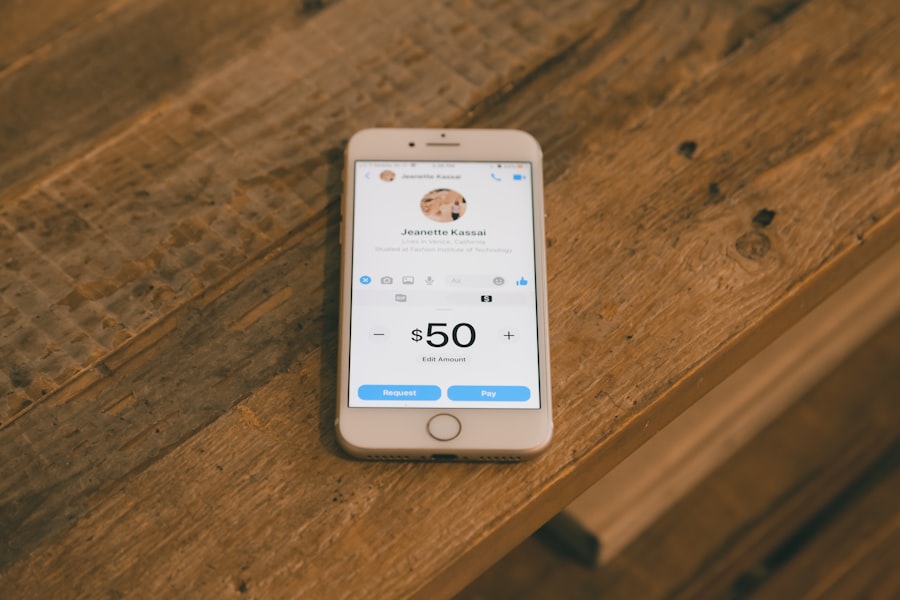
Okay, you’ve picked an app. Now what? The setup stage is arguably the most important because it lays the groundwork for consistent, effective tracking. Don’t rush this part.
Inputting Your Starting Balance
This is your baseline. Enter the total amount of allowance you currently have. This is your starting point for all tracking and budgeting. Be honest and accurate here.
Defining Your Income Sources
How often do you get your allowance? Is it weekly, bi-weekly, monthly? Do you have other small income streams, like pet sitting or odd jobs? Log these as recurring income so the app can factor them into your budget.
Creating Spending Categories
This is where you make the app your own. Think about where your money usually goes. Common categories include:
- Essentials: School supplies, transportation (bus fare, etc.)
- Food: Snacks, drinks, eating out with friends
- Entertainment: Movies, games, streaming services
- Savings: For a specific goal or just general savings
- Personal Care: Toiletries, haircuts
- Miscellaneous: Everything else that doesn’t fit neatly into other categories
Be specific enough to give you insight but not so detailed that it becomes a burden to categorize every tiny purchase.
Setting Budget Limits for Each Category
Here’s the heart of budgeting. Based on your allowance amount, decide how much you’re comfortable spending in each category. If you get $50 a week, maybe you allocate:
- $10 for snacks/drinks
- $15 for entertainment
- $10 for savings
- $5 for miscellaneous
- Remaining $10 as a flexible buffer
This gives you a roadmap. If you go over in one category, you’ll know where you need to cut back.
Daily Habits for Effective Tracking
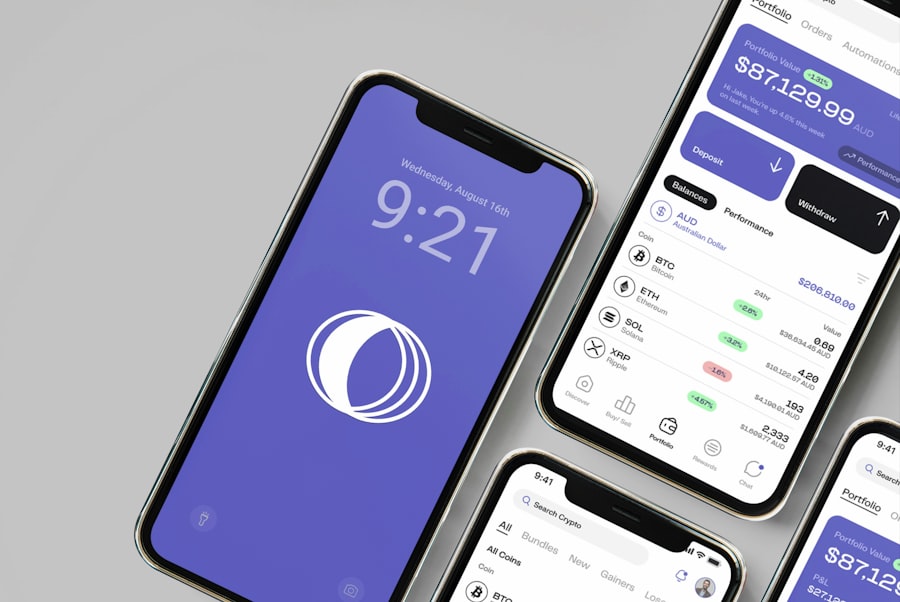
Having the app is one thing; actually using it is another. Consistency is key here. It doesn’t have to be a big production, just a quick daily check-in.
Logging Every Single Transaction
This is the golden rule. Every time money leaves your pocket, open the app and log it. Even small amounts. Those “just a dollar here and there” purchases add up fast. Waiting until the end of the day or week makes it easy to forget things and throws your budget off.
Using Receipts (If Available)
If you get a receipt, quickly snap a picture or reference it to ensure accurate entry. This helps verify amounts and reminds you of what the purchase was for, especially if you have similar-sounding categories.
Reviewing Your Budget Regularly
It’s not just about logging; it’s about checking in. Take a few minutes each day or every other day to see where you stand. Are you close to hitting your limit in a category? Do you have enough left for the rest of the week? This constant awareness helps you make smarter choices.
Adjusting as Needed
Life happens. Your budget isn’t set in stone. If you suddenly need to spend more on school supplies this week, you might need to pull back on entertainment. Be flexible and adjust your category limits as your needs change. The app should make this adjustment easy.
Using an allowance tracker app can significantly enhance your child’s understanding of money management, and it pairs well with the concepts discussed in a related article on teaching kids financial literacy. By integrating technology into their learning, children can develop essential budgeting skills while having fun. For more insights on this important topic, check out this informative piece on teaching kids financial literacy, which emphasizes the importance of instilling good financial habits early on.
Leveraging Data for Smarter Spending
| Feature | Description |
|---|---|
| Allowance Tracking | Track and manage your child’s allowance in one place |
| Chore Management | Assign and track chores for your child to earn allowance |
| Goal Setting | Set savings goals for your child and track their progress |
| Parental Controls | Manage and control your child’s spending and saving habits |
Once you’ve been tracking for a while, the real magic starts to happen. The data you’ve meticulously entered will begin to tell a story about your spending habits.
Identifying Spending Patterns
Look at your reports. Do you spend a lot on fast food every Tuesday? Are your impulse buys concentrated on weekends? These patterns are crucial. Once you see them, you can start to address them. Maybe pack a lunch on Tuesdays, or set a “no impulse buy” rule for Saturdays.
Detecting Unnecessary Expenses
The app will often highlight categories where you’re consistently overspending. Is it those daily coffees? That streaming service you rarely use? This is your chance to cut unnecessary expenses and free up cash for things that truly matter to you.
Comparing Against Goals
Remember those savings goals? Your app should show you how close you are to reaching them. Seeing your progress can be incredibly motivating and help you stay disciplined. If you’re falling behind, you can adjust your spending elsewhere to catch up.
Planning for Future Purchases
If you know you want to buy something big next month, your app can help you plan for it. You can set a temporary savings goal, or adjust your categories for a few weeks to accommodate the upcoming expense without derailing your entire budget.
Using an allowance tracker app can be an effective way to teach children about managing their finances, and it complements the principles discussed in a related article on financial literacy for kids. This guide provides valuable insights for parents looking to instill good money habits in their children. By combining the use of technology with practical lessons, parents can create a comprehensive approach to financial education. For more information on this topic, you can read the article on teaching kids financial literacy.
Beyond Basic Tracking: Advanced Tips
Once you’re comfortable with the basics, there are a few extra steps you can take to supercharge your allowance management.
Utilizing “Roll-Over” Budgeting
Some apps allow for “roll-over” budgeting. If you underspend in a category one week, the remaining budget rolls over to the next. This can be great for saving up for a slightly more expensive item in that category, like a premium app or a special treat.
Setting Up Future Transactions
Do you pay for a monthly subscription (like a game pass or music service)? Many apps let you set up recurring transactions. This means you don’t have to manually enter it every time, and it factors into your budget automatically.
Creating a Buffer Fund
It’s always a good idea to have a small buffer or “emergency” fund built into your allowance. This isn’t for emergencies like car repairs (you’re probably not driving yet!), but more for unexpected small expenses like a friend’s birthday gift or a sudden need for new school supplies. Your app can help you track this separate fund.
Weekly/Monthly Review Sessions
Make it a habit to sit down once a week or month and do a more in-depth review of your finances. Look at the graphs, see where you excelled, and where you struggled. This reflection is a powerful learning tool and helps you refine your budget going forward.
Common Pitfalls and How to Avoid Them
Even with a great app, it’s easy to fall into some common traps. Being aware of these can help you stay on track.
Forgetting to Log Transactions
This is the number one killer of budgeting efforts. A forgotten transaction skews your data and makes your budget inaccurate. Develop a habit – maybe log something immediately, or set a reminder to do it at the end of each day.
Getting Discouraged by Overspending
It happens to everyone. You go over budget in a category. Don’t beat yourself up! Acknowledge it, learn from it, and adjust. The app is a tool for improvement, not perfection. One bad week doesn’t mean you’ve failed.
Setting Unrealistic Budgets
If you set limits that are too strict, you’re more likely to give up. Be realistic about your spending habits. It’s better to start with a slightly looser budget and tighten it over time as you gain control than to set an impossible goal from the start.
Not Reviewing Your Progress
Just logging transactions isn’t enough. You need to actually look at the data your app provides. The reports and insights are where you learn and grow financially. Make time for these reviews.
Over-complicating It
Don’t go overboard with too many categories or overly complex rules when you’re starting out. Keep it simple. You can always add more detail later as you get more comfortable and your needs evolve. The goal is to make budgeting easier, not harder.
Conclusion
Utilizing an app tracker for your allowance isn’t just about knowing how much money you have. It’s about building strong financial habits that will serve you well for years to come. It teaches you discipline, helps you understand the value of your money, and empowers you to make smarter choices. Start simple, be consistent, and watch your allowance go further than you ever thought possible. You’ll thank yourself later.
